> ## Documentation Index
> Fetch the complete documentation index at: https://auth0.com/llms.txt
> Use this file to discover all available pages before exploring further.
> Describes how to enable Single Sign-on (SSO) for a tenant using the Auth0 Dashboard. Only for use with legacy tenants.
# Enable Single Sign-On for Tenants
Only for use with legacy tenants. By default, seamless single sign-on (SSO) is enabled for all new Auth0 tenants, however, legacy tenants may choose whether to enable this feature.
You can enable SSO for your tenant using the Auth0 Dashboard. If you do not choose to enable tenant-level SSO, you may [enable it per application](/docs/get-started/applications/enable-sso-for-applications). If you do not see this setting available in the Dashboard, you already have Seamless SSO enabled; this toggle is strictly for legacy tenants.
1. Go to [Dashboard > Tenant Settings](https://manage.auth0.com/#/tenant).
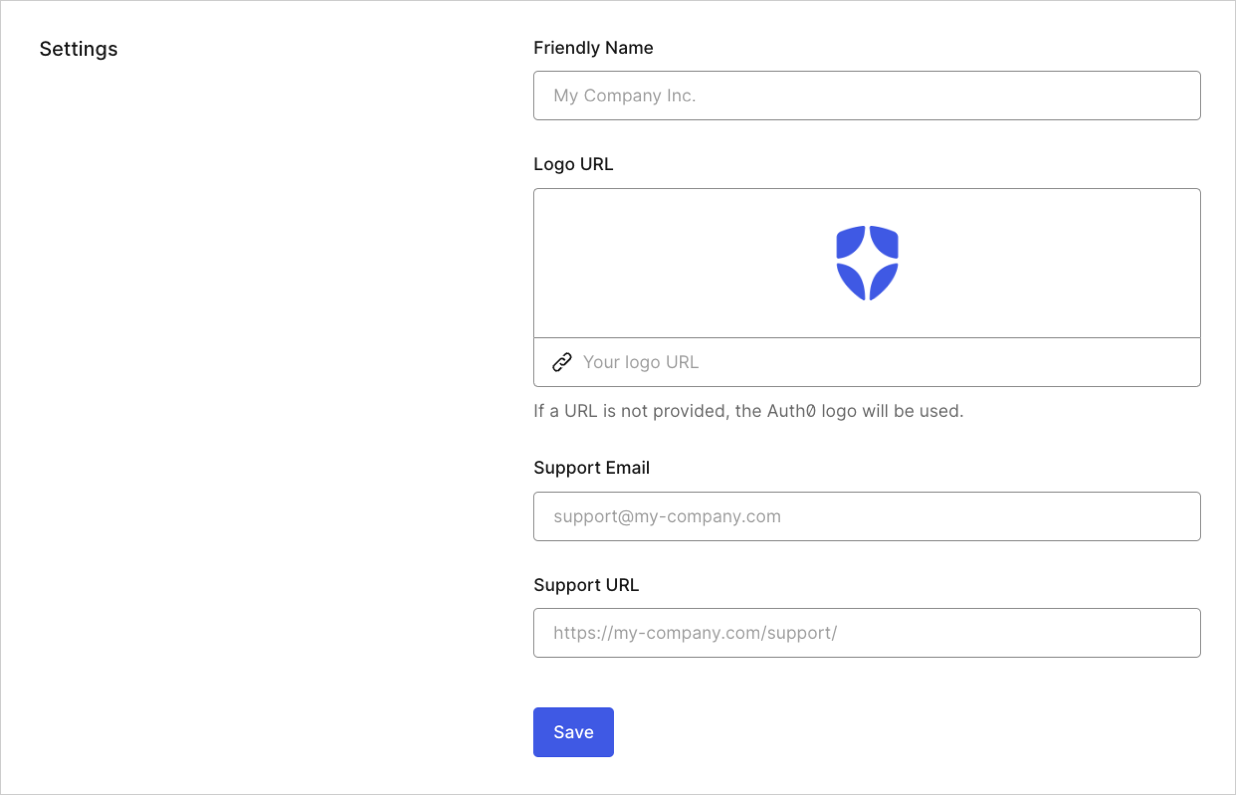 2. Go to the **Advanced** tab.
3. Scroll to the **Log In Session Management** section. Locate **Enable Seamless SSO**.
4. Enter the **Inactivity timeout** (default 4320 minutes) and **Require log in after** (default 10080 minutes) fields.
Once finished, you should also [configure your session lifetime settings](/docs/manage-users/sessions/configure-session-lifetime-settings).
## Learn more
* [Single Sign-On](/docs/authenticate/single-sign-on)
2. Go to the **Advanced** tab.
3. Scroll to the **Log In Session Management** section. Locate **Enable Seamless SSO**.
4. Enter the **Inactivity timeout** (default 4320 minutes) and **Require log in after** (default 10080 minutes) fields.
Once finished, you should also [configure your session lifetime settings](/docs/manage-users/sessions/configure-session-lifetime-settings).
## Learn more
* [Single Sign-On](/docs/authenticate/single-sign-on)