

subject_token, Custom Token Exchange supports Suspicious IP Throttling. This enables you to indicate in your Actions code when a subject token is invalid, allowing Auth0 to count the number of failed attempts sent from that external IP.
When the number of failed attempts from an IP address reaches a pre-configured threshold, Auth0 blocks traffic for a Custom Token Exchange request coming from that IP with the following error:
To implement Suspicious IP Throttling protection, use
api.access.rejectInvalidSubjectToken in your Actions code whenever the received subject token does not pass strong validation.- Threshold: 10. Maximum number of failed attempts for an IP address.
- Throttling rate: 6 per hour. One additional attempt will become available after every 10 minutes until the threshold is refilled.
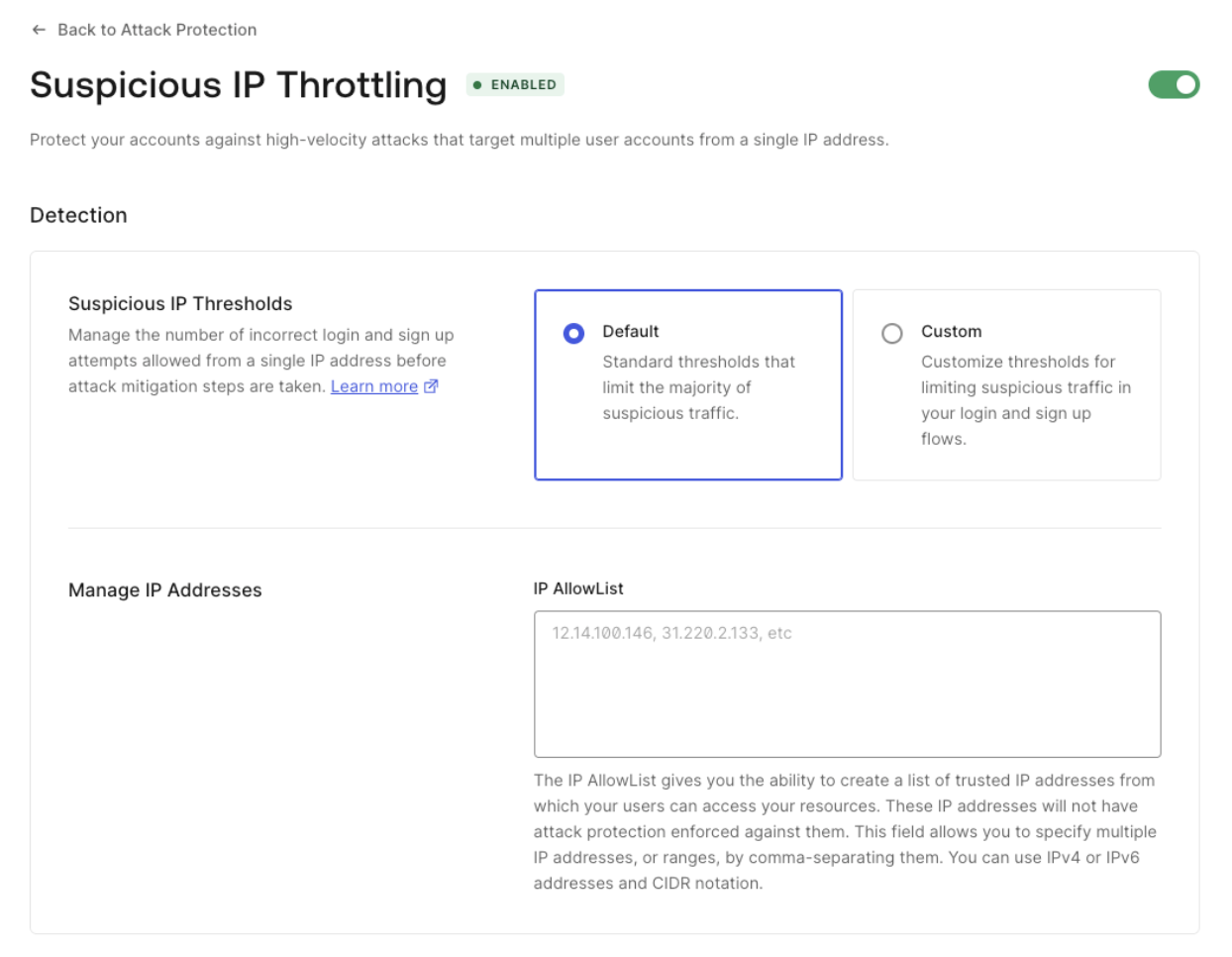
Configure Suspicious IP Throttling for Custom Token Exchange
You can configure a custom threshold and throttling rate for the Custom Token Exchange with the Management API. First, get a Management API token to consume the API. Then, make the followingGET request to the Get Suspicious IP Throttling settings endpoint:
- Auth0 CLI
- cURL
Using the Auth0 CLI? If you haven’t already, set up and authenticate your CLI session before running this command.
PATCH request to update the pre-custom-token-exchange stage with the needed values. Note that the rate is the interval of time in milliseconds at which new attempts are granted.
- Auth0 CLI
- cURL