

Prerequisites
To use anonymous sessions:- You must have an Auth0 account.
- Register your Auth0 application. If you do not have an Auth0 application, you can get started with the Auth0 React or Next.js Quickstarts.
- Register an API (resource server).
Configure anonymous sessions
- Auth0 Dashboard
- Management API
-
Navigate to Dashboard > Tenant Settings > Advanced, and scroll down to the session settings.
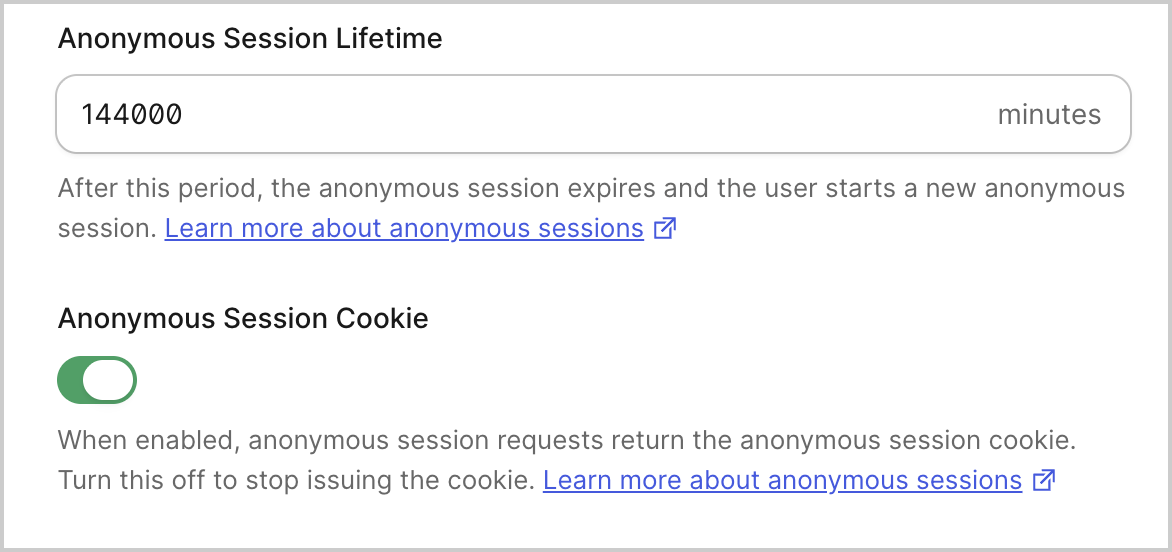
- Enter a value for the Anonymous Session Lifetime in minutes.
-
Enable or disable the Anonymous Session Cookie switch to control whether anonymous session requests return the
auth0_anoncookie.
Enable anonymous sessions in your application
- Auth0 Dashboard
- Management API
- Navigate to Dashboard > Applications > Applications, and select the application you want to configure.
-
Scroll down to the Anonymous Sessions settings.

- Enable the switch to Allow Anonymous Sessions.
Enable anonymous access in your API
- Auth0 Dashboard
- Management API
- Navigate to Dashboard > Applications > APIs, and select the API you want to configure.
-
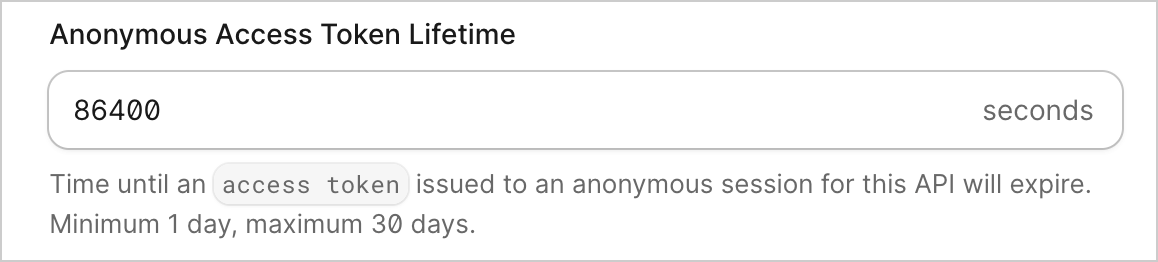
In the Access token expiration section, set the Anonymous Access Token Lifetime in seconds. The minimum is one day (86400 seconds) and the maximum is 30 days (2592000 seconds).
-
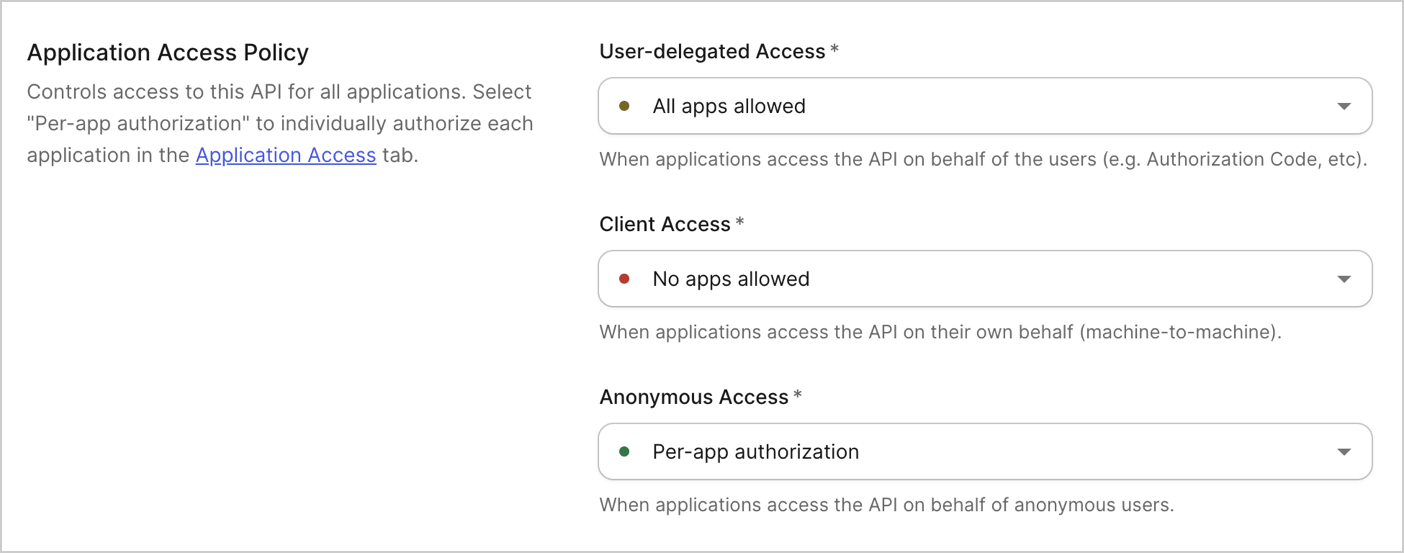
Under Application Access Policy, set the Anonymous Access policy to Per-app authorization to enable anonymous sessions using this audience for their access tokens.
Create an API Access policy for anonymous users
- Auth0 Dashboard
- Management API
- Navigate to Dashboard > Applications > APIs, and select the API you want to configure.
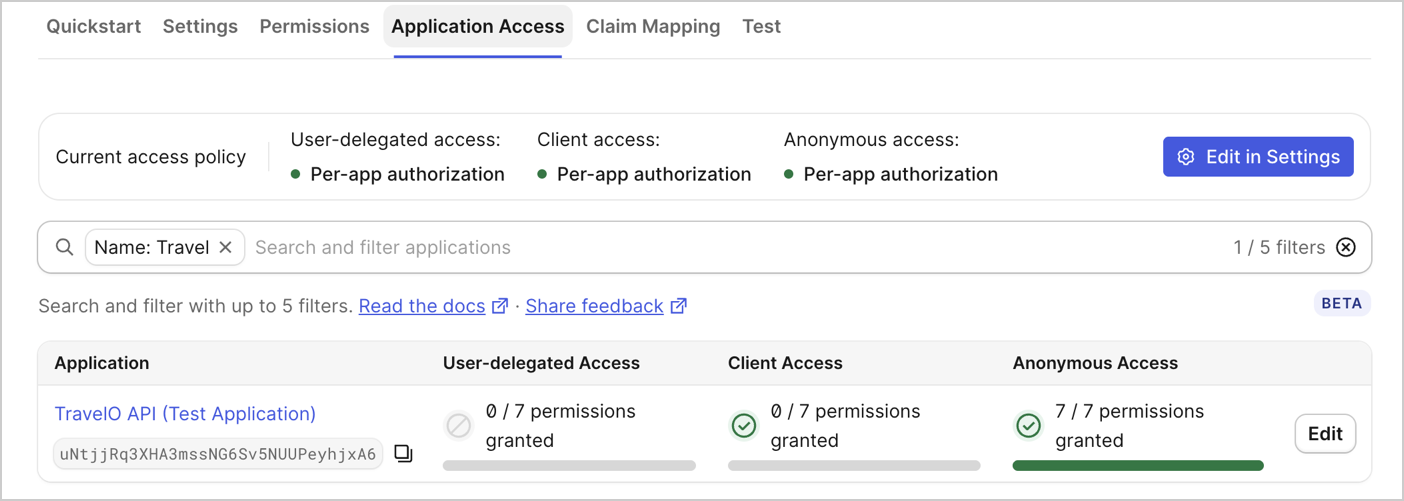
- Select the Application Access tab.
-
For each application you want this API to issue access tokens to in an anonymous context, select Edit.
-
Select Anonymous Access, and Configure the permissions you want to grant anonymous users when using this application.
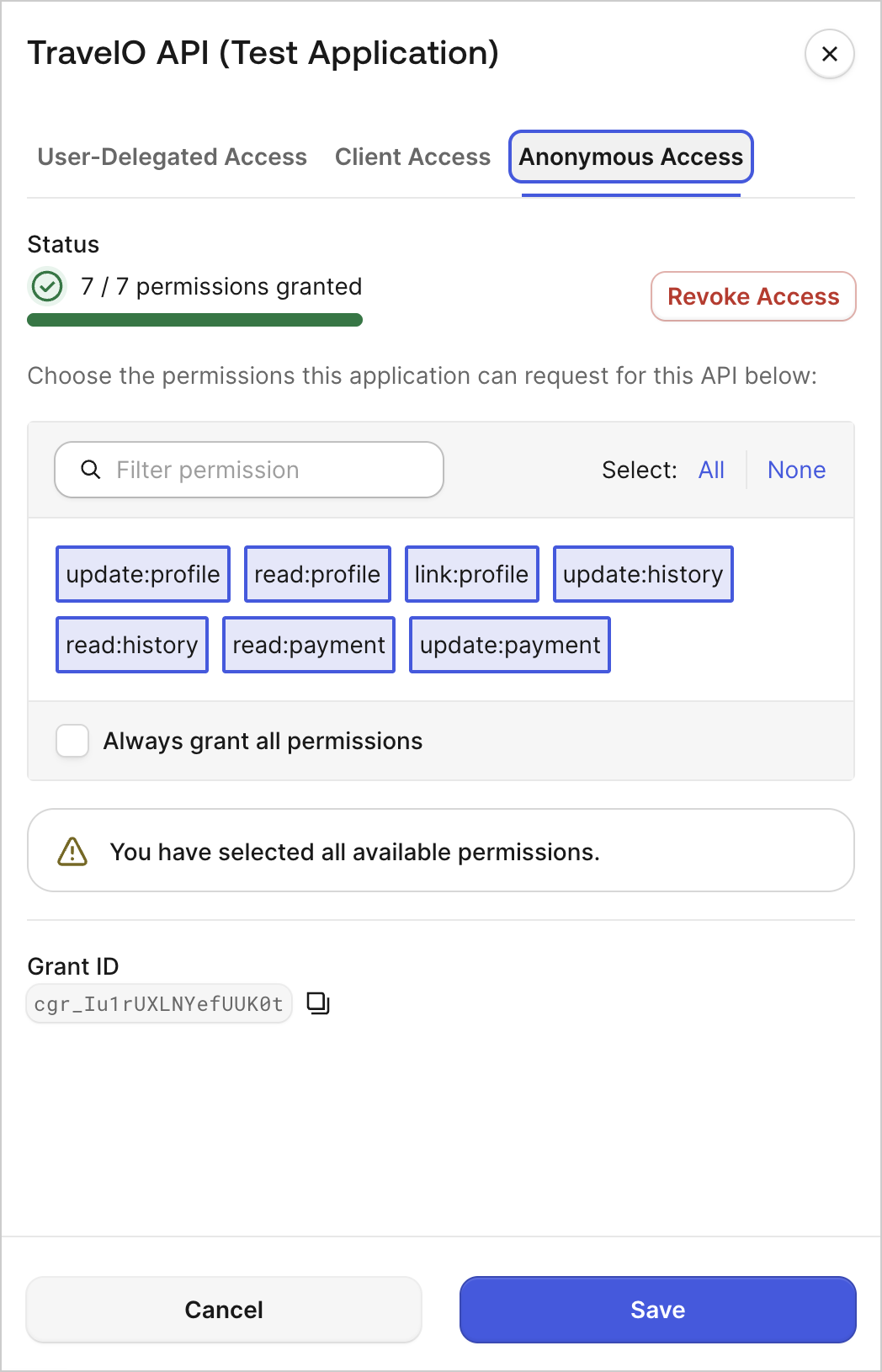
- Select Save.
Create an anonymous session
Once anonymous sessions are configured in your tenant, application, and API, you can create an anonymous session by making aPOST request to the /anonymous/token endpoint:
session_token and an access_token:
Configure custom claims
You can configure custom claims to map anonymous session metadata directly into the access tokens issued for a specific audience. This is useful because there is nopost-login Action execution with anonymous sessions, so api.accessToken.setCustomClaim() is not available to enrich anonymous access tokens the way it is for authenticated ones. To learn more, read Configure Custom Claims for Anonymous Sessions.
Next steps
Anonymous Sessions Use Cases
Learn about anonymous sessions use cases.