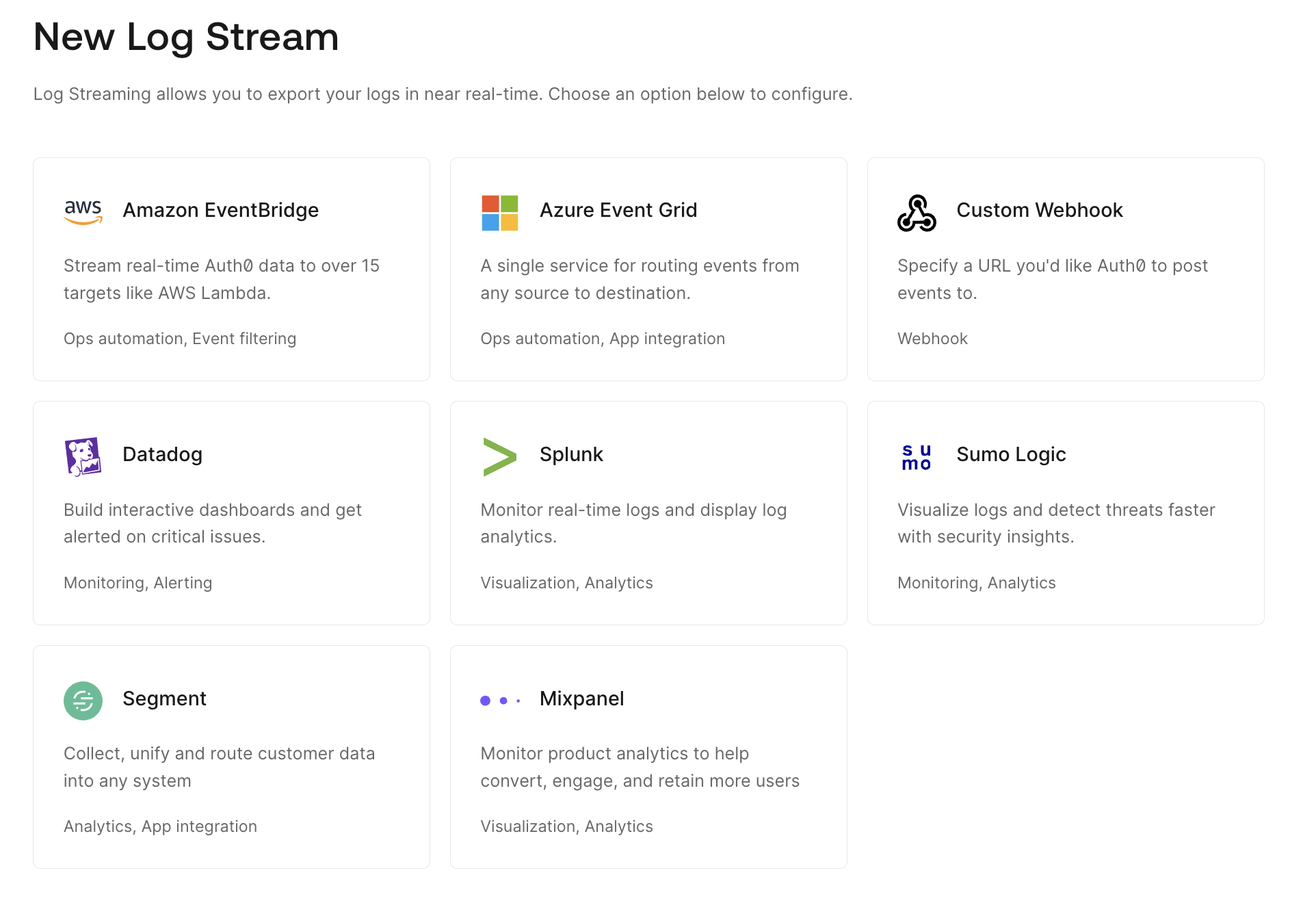
Describes how to export your logs in near real-time using log streaming.
Auth0’s log streaming service allows you to export tenant logs to a log analysis service. You can choose the content type and form and preview the payload using the .Log streaming allows you to react to log events like password changes or new registrations with your own business logic. Using the Auth0 Dashboard and API, you can pause a stream, view and update settings, and check the health of the stream.
By enabling Log Streams, Customer becomes the Controller of such information and is responsible for the data exported from the Auth0 Platform, including what information is streamed and how it is used by Customer.
Log streams are designed for monitoring and analytics purposes. We don’t recommend using log streams in your application’s critical path or for real-time decision-making.By default, logs may not display in the exact order in which they occurred. If you are streaming tenant logs and require chronological sorting, we recommend implementing log sorting through your stream processing.You can create a new log stream in the Auth0 Dashboard using one of the services we support or you can configure a stream to a service you already use with a custom webhook.
We support a variety of log streaming services through the Auth0 Marketplace as well as apps and dashboards for specific providers, like Datadog, Splunk, and Sumo Logic.