

Use Actions to extend Auth0:
- To learn more about Actions, read Understand How Auth0 Actions Work.
- To migrate, read Migrate from Hooks to Actions.
Optionally, you can add secrets (such as Twilio Keys or database connection strings) to hooks.
Rename hooks using the Dashboard
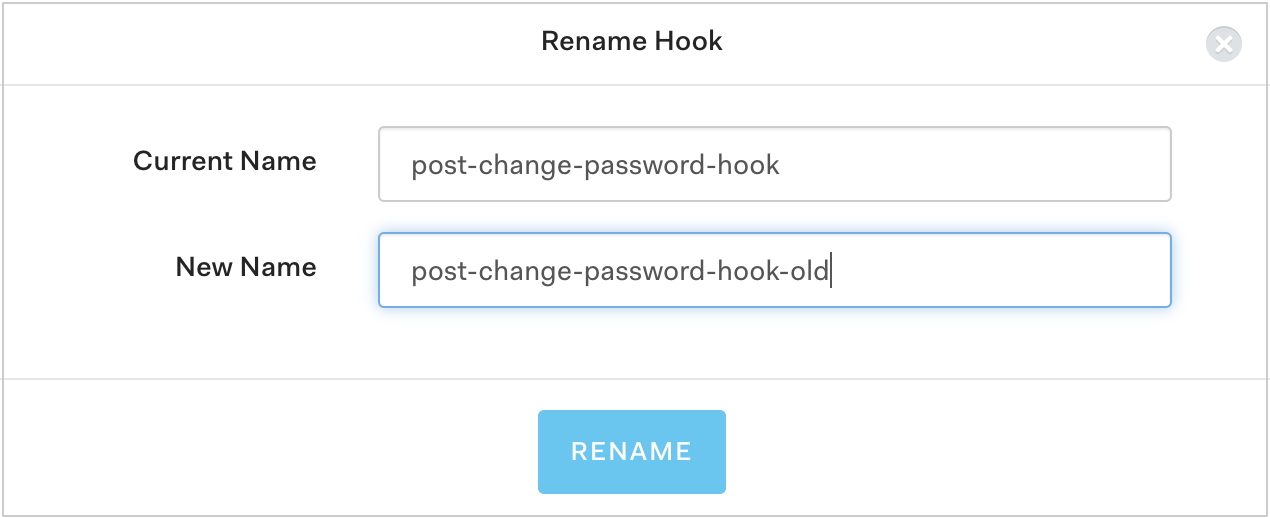
- Go to Auth0 Dashboard > Auth Pipeline > Hooks and click the gear icon next to the hook you want to rename.
- Click Rename.
-
Type a new name for the Hook and click Rename.
Update hook scripts using the Dashboard
-
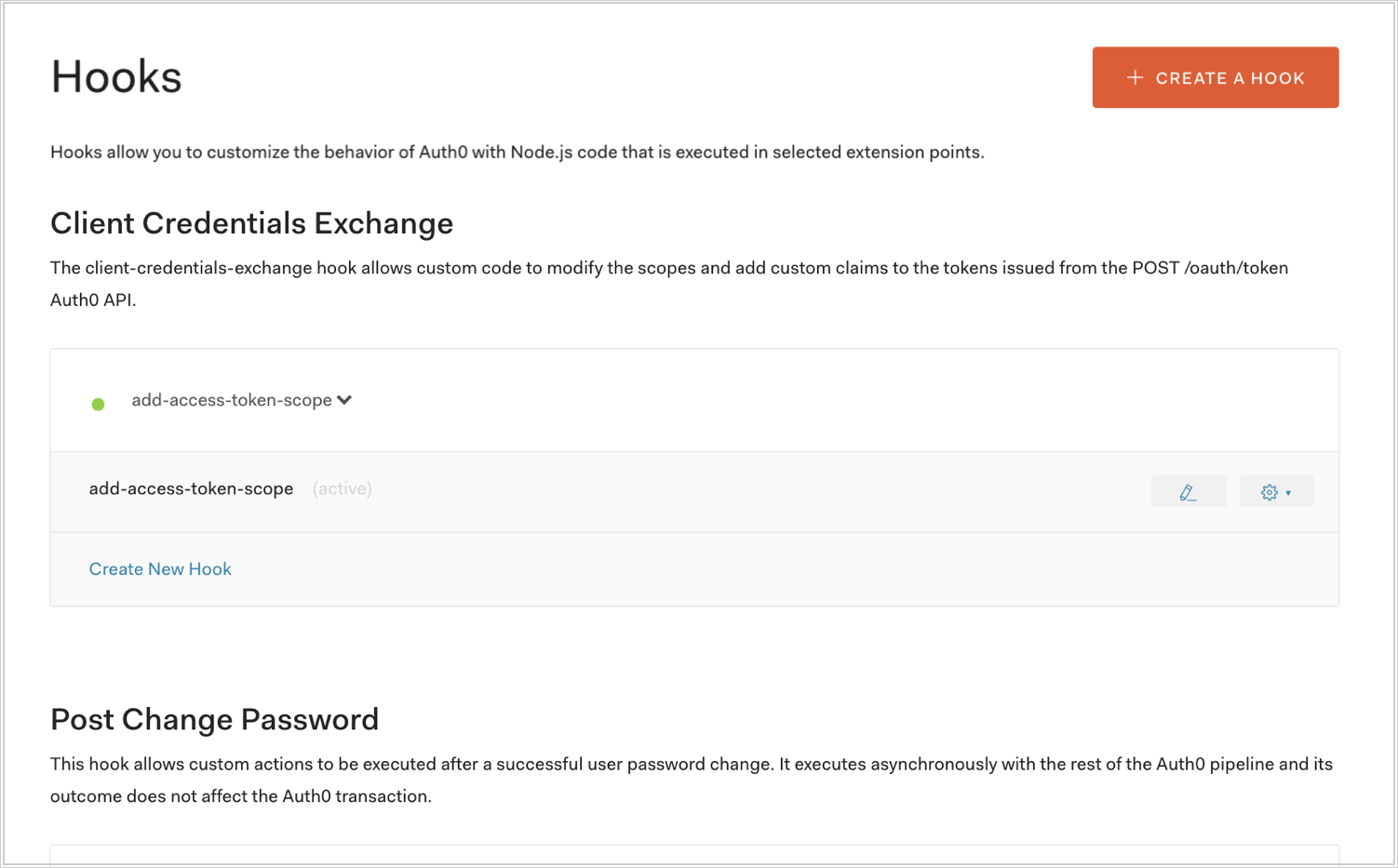
Go to Auth0 Dashboard > Auth Pipeline > Hooks and click the pencil icon next to the hook you want to update.
-
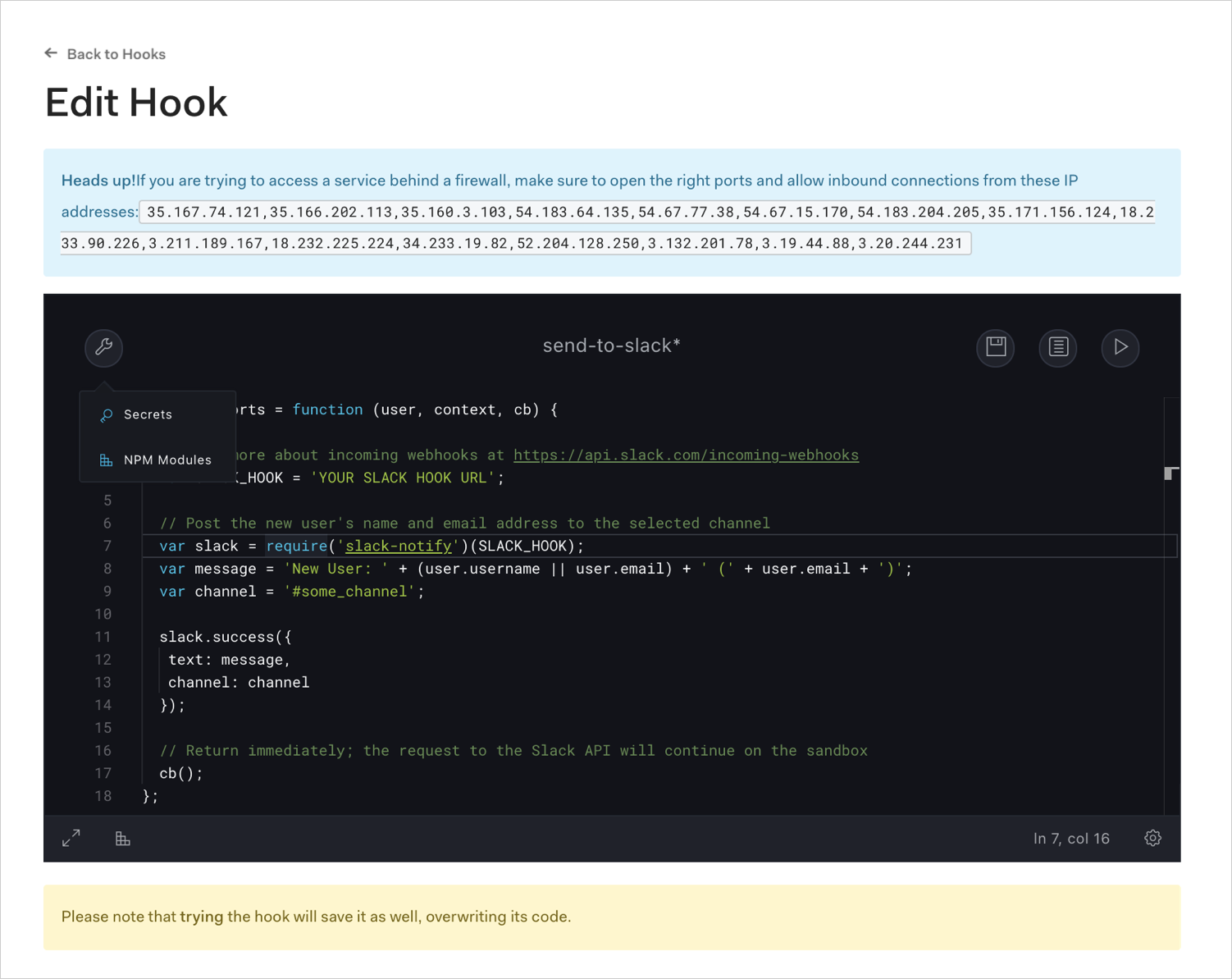
Update the hook using the Hook Editor and click the disk icon to save.
Update hooks using the Management API
Make aPATCH call to the Update a Hook endpoint. Be sure to replace HOOK_ID and MGMT_API_ACCESS_TOKEN placeholder values with your Hook ID and Management API , respectively.
Using the Auth0 CLI? If you haven’t already, set up and authenticate your CLI session before running this command.
The
enabled property represents whether the rule is enabled (true) or disabled (false).Handle rate limits when calling APIs from within Hooks
If you call Auth0 APIs from within a Hook’s script, you will need to handle rate limits. To do so, check the
X-RateLimit-Remaining header and act appropriately when the number returned nears 0.Additionally, add logic to handle cases in which you exceed the provided rate limits and receive the 429 HTTP Status Code (Too Many Requests). In this case, if a re-try is needed, it is best to allow for a back-off to avoid going into an infinite retry loop.